The Landscape of Unknown Callers and Telecom Fraud in Pakistan
With over 190 million active cellular subscriptions distributed across Jazz, Zong, Telenor, and Ufone, Pakistan possesses one of the most vibrant telecommunications ecosystems in South Asia. However, this high level of connectivity has also fostered a pervasive network of robocallers, telemarketers, and organized cybercrime syndicates targeting unsuspecting citizens.
Pakistani cellular subscribers are bombarded daily with unsolicited incoming calls and deceptive text messages: fraudulent lottery notifications claiming winnings from the Benazir Income Support Programme (BISP) or Jeeto Pakistan, deceptive job offers, fake parcel delivery alerts, and sophisticated impersonators pretending to represent the State Bank of Pakistan (SBP), military agencies, or commercial bank fraud desks. When an unrecognized number flashes on a handset screen, subscribers naturally seek to discover who is calling and whether the communication poses a threat.
However, navigating unknown caller identification requires understanding the legal boundaries defined by Pakistani cyber legislation. Attempting to acquire private personal records through unauthorized means can expose users to malware, financial theft, and criminal liability under the Prevention of Electronic Crimes Act (PECA 2016). This technical manual provides an authoritative analysis of safe, lawful identification methods, automated reporting channels through the Pakistan Telecommunication Authority (PTA), and defense protocols against modern telecom fraud.
Cyber Security Advisory: The National Database and Registration Authority (NADRA) and PTA maintain secure, encrypted, non-public sovereign registries. Any public website, social media bot, or third-party APK advertising 'Live SIM Tracker with CNIC, Address, and Photo' is operating illegally and frequently distributes Trojan malware designed to steal your mobile banking credentials.
Legal Reality vs. Black-Hat Scams: The Truth About Online SIM Trackers
A frequent query among internet users in Pakistan is how to download a "SIM database" or use a "live tracker" to uncover an unknown caller's full legal name, national identity number, and home address. Understanding the technological and legal reality of these platforms is essential for protecting your digital security.
The Dangers of Third-Party APKs and Shady 'Pak SIM Data' Websites
A cottage industry of shady websites and third-party Android Package Kits (APKs)—often promoted through social video platforms—claim to provide direct access to "fresh 2026 telecom databases." In reality, these platforms represent serious security hazards:
- Recycled Stale Data Dumps: Most of these platforms rely on fragmented, obsolete SQL dumps stolen from telecom contractors or franchise billing systems between 2011 and 2018. Over 70% of the numbers queried return obsolete records because numbers have since been ported, cancelled, or recycled under PTA regulations.
- Trojan Droppers and Spyware: Downloading side-loaded APKs that bypass Google Play Protect frequently installs mobile Remote Access Trojans (mRATs) onto your handset. These malicious payloads request broad permissions:
READ_CONTACTS,READ_SMS, andBIND_ACCESSIBILITY_SERVICE. Once granted, attackers intercept one-time passwords (OTPs) and harvest your banking sessions. - Credential Harvesting Phishing Traps: Online tracker portals frequently require users to input their own phone numbers or register with an email and password before viewing results. The operators harvest these active mobile numbers to build targeted telemarketing and spam distribution lists.
PECA 2016 Penalties for Data Theft and Unauthorized Identity Probing
Under Pakistan's Prevention of Electronic Crimes Act (PECA 2016), citizen privacy is safeguarded by stringent criminal statutes:
- Section 3 & Section 4 (Unauthorized Access to Critical Infrastructure): Gaining or attempting to gain unauthorized access to protected information systems carries penalties of up to 3 years imprisonment and fines reaching PKR 1,000,000.
- Section 13 (Electronic Forgery) & Section 14 (Electronic Fraud): Fabricating or misusing digital identities for deceptive practices carries prison sentences of up to 7 years.
- Section 16 (Unauthorized Use of Identity Information): Anyone who obtains, sells, possesses, or distributes another citizen's biometric, CNIC, or subscriber information without lawful authorization faces up to 3 years imprisonment and heavy monetary penalties.
Safe and Lawful Techniques to Identify Unknown Callers
Citizens can effectively screen unknown incoming calls and investigate mysterious numbers through several legitimate, privacy-compliant techniques without violating national laws or endangering personal device security.
Method 1: Native Google Phone Spam Protection & Verified Calls
The native Google Phone dialer (pre-installed on official Android devices sold across Pakistan, including Samsung, Xiaomi, Realme, Vivo, and Oppo) features built-in caller identification and automated spam detection:
- Launch the Phone application on your Android smartphone.
- Tap the three vertical dots in the search bar and select Settings.
- Tap Caller ID & Spam.
- Toggle on See caller and spam ID to display caller identity even when the number is not saved in your personal contact list.
- Toggle on Filter spam calls to prevent suspected robocallers and scam numbers from ringing your device entirely.
Verified Business Calls: Google partners with commercial enterprises across Pakistan (such as courier services, ride-sharing platforms, and corporate customer care centers) to display verified green checkmarks alongside company branding, allowing you to instantly distinguish authentic businesses from fraudulent impostors.
Method 2: Crowdsourced Directory Lookups (Truecaller & Numcaller)
Global caller identification directories like Truecaller operate through crowdsourced contact aggregation. When millions of global users install the application and grant contact synchronization permissions, the service compiles a global mapping of phone numbers to names:
- Accessing Truecaller Safely via Web: To identify a number without granting the application access to your smartphone address book, visit the official website at
truecaller.comusing an incognito browser window. Log in using a burner email account and input the unknown Pakistani number with international dialing format (e.g.,+923001234567). - Interpreting Crowdsourced Limitations: Truecaller does not interface with NADRA or PTA databases. The displayed name represents how the caller's acquaintances saved them in their private address books. For example, a scammer might appear as "Delivery Boy", "Unknown", or a corporate moniker if the phone was previously used for business. Look for the spam badge: if hundreds of users have flagged the number as "Scam" or "Telemarketer", avoid answering.
Method 3: Financial Alias Verification via Raast, Easypaisa, and JazzCash
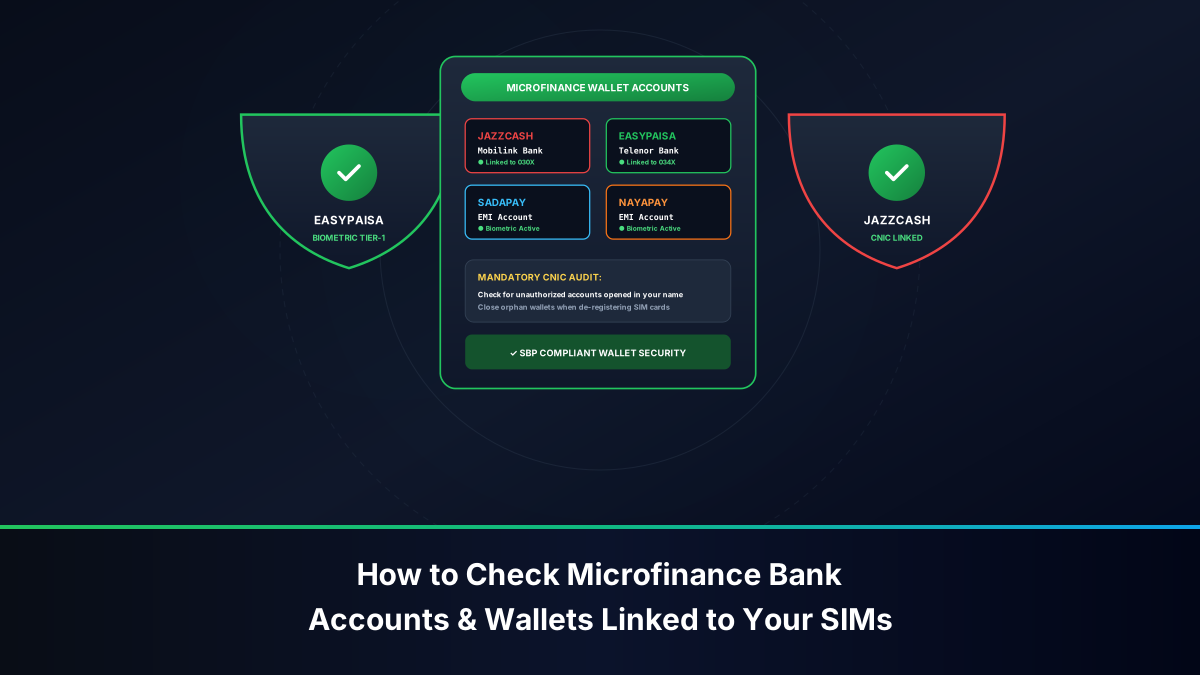
In Pakistan, branchless banking wallets and the national Raast Instant Payment Gateway mandate strict 1:1 identity verification against NADRA records. When you receive a missed call or suspicious WhatsApp transaction request from an unknown mobile number, you can verify the recipient's registered legal first name through mobile banking interfaces:
- Launch your authorized branchless banking app (such as Easypaisa, JazzCash, or your commercial bank's Raast transfer module).
- Select the option to send money (Money Transfer / Send to Mobile Account).
- Input the unknown 11-digit mobile number in the recipient field.
- Enter a nominal transfer amount (e.g., PKR 1).
- Proceed to the Review / Confirmation Screen.
- Stop at the confirmation screen! Do not enter your PIN or execute the transfer.
- The banking gateway queries the clearinghouse and renders the recipient's verified account title (e.g., TARIQ M. or FATIMA BIBI).
Forensic Value: Because branchless accounts are verified against NADRA biometric records, this technique reveals the authentic account title behind the phone number, allowing you to confirm whether an unknown caller is a genuine acquaintance or an unverified stranger.
Method 4: WhatsApp Business Metadata and Security Verification
Over 80% of smartphone users in Pakistan utilize WhatsApp. Inspecting an unknown caller's public WhatsApp profile often yields valuable verification details:
- Add the unknown number to your contacts temporarily with a neutral label (e.g., "Unknown 0300").
- Open WhatsApp, start a new chat with the contact, and tap the profile header to inspect their public information.
- Official Business Badge: Genuine commercial entities (such as airlines, banks, and major retailers) display a verified green badge next to their corporate name. Scammers often upload a bank logo as their personal profile picture; however, personal accounts lack the official green badge, immediately exposing the deception.
- Catalogs and Operating Hours: Genuine enterprises feature product catalogs, registered landlines, and official corporate domains (e.g.,
support@hbl.com). If a self-proclaimed "bank fraud officer" uses a regular consumer WhatsApp account, they are attempting fraud.
Deconstructing Common Telecom Scams in Pakistan
Recognizing the operational patterns of major cellular scams operating in Pakistan empowers citizens to detect fraudulent callers within seconds of initiating conversation.
Fake BISP, Ehsaas, and Jeeto Pakistan Prize SMS Frauds
One of the most persistent cellular scams in Pakistan involves text messages falsely claiming cash prizes or welfare distributions:
Mubarak Ho! Aapko Benazir Income Support Programme (BISP) ki taraf se
Rs. 25,000 ka wazeefa jaari kar diya gaya hai. Raqam wasool karne
ke liye foran is number par rabta karein: 0301XXXXXXX
The Fraud Mechanism: When the victim calls back, the scammer poses as an official government welfare officer. They instruct the victim to visit an Easypaisa or JazzCash retailer, claim that an "advance processing fee" or "easyload tax" of PKR 1,500 to PKR 5,000 must be deposited first, or guide the victim through an ATM menu to unknowingly authorize a fund transfer to the criminal's account.
Bank Security Impersonation & CLI Caller ID Spoofing
In high-stakes financial fraud, criminal groups target bank account holders using Calling Line Identification (CLI) spoofing:
- The victim receives an incoming call where their handset screen displays the exact official helpline number of their commercial bank (e.g.,
021-111-000-425or051-111-786-100). - The caller speaks with professional urgency, claiming that an unauthorized international debit card transaction or fraudulent login has just been detected on the victim's account.
- To "cancel the transaction", the caller instructs the victim to read out the 6-digit One-Time Password (OTP) delivered to their phone.
- In reality, the caller is triggering an online fund transfer on the bank's portal, and the OTP provides the final authorization required to drain the victim's savings.
Golden Security Rule: No Pakistani bank, telecommunication operator, or government authority will ever call you to request your ATM PIN, digital banking password, or SMS OTP. If anyone asks for an OTP over the phone, disconnect immediately.
SIM-Swap Fraud and Two-Factor Authentication Hijacking
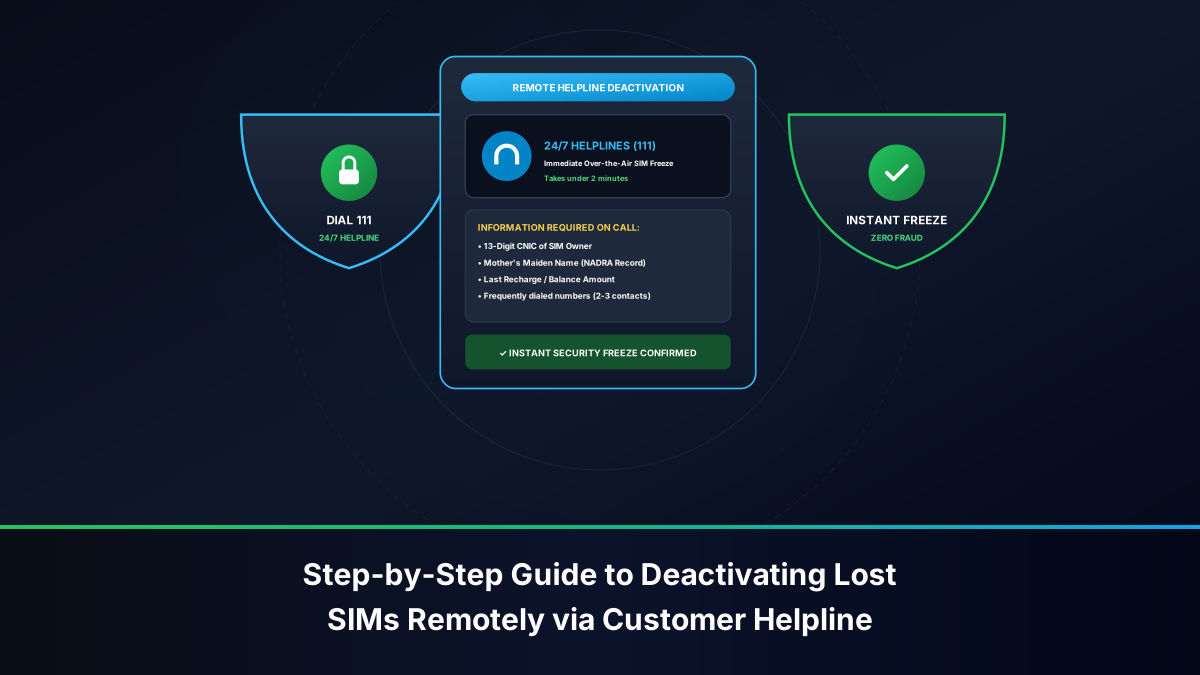
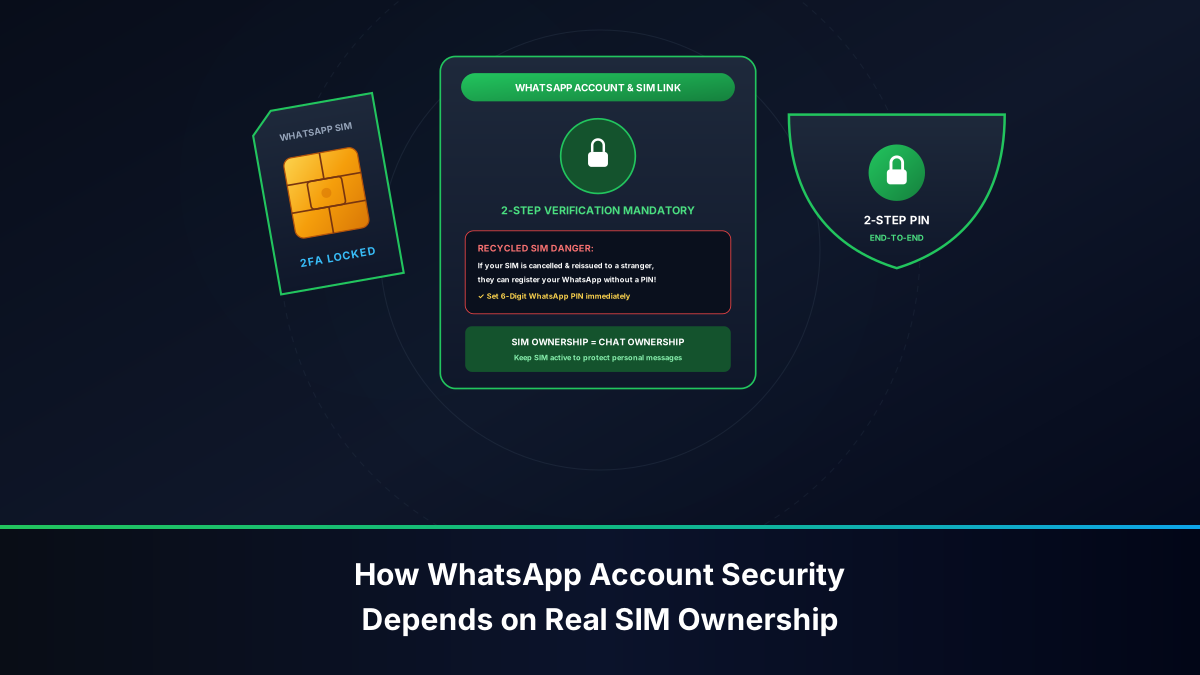
In a SIM-Swap attack, cybercriminals obtain a duplicate SIM card for your mobile number by bribing or deceiving a franchise retail agent using fraudulent identity documents. If your physical handset suddenly displays "No Service" or "Emergency Calls Only" in a familiar coverage area while your cellular balance was active, your SIM may have been swapped. Criminals use the newly activated SIM to receive two-factor authentication OTPs and compromise your email, WhatsApp, and banking accounts. Immediately contact your operator from another phone to report a compromised line.
How to Report Spam, Fraud & Harassment to PTA (420 & 9000)
The Pakistan Telecommunication Authority (PTA) operates automated national clearinghouse shortcodes and digital complaint systems to penalize abusive callers and block spam numbers across all domestic mobile networks.
Reporting Unsolicited Calls and Scam SMS via Shortcode 420
Subscribers receiving harassing phone calls, unsolicited marketing spam, or promotional robocalls can report the offending number directly to PTA's automated mitigation system:
- Open your SMS messaging application.
- Compose a new text message addressed to shortcode 420.
- Format the text payload:
[Unsolicited Phone Number] [Brief Description of Call or Spam Message]. For example:03451234567 Unsolicited telemarketing robocall received repeatedly. - Dispatch the SMS from your handset.
- PTA's automated gateway logs the complaint, tallies multi-subscriber reports against the offending number, and issues automated compliance notices to the originating carrier.
Submitting Fraudulent Numbers to Shortcode 9000
For fraudulent text messages—specifically those involving fake lottery winnings, BISP scams, prize money deceptions, or banking fraud—PTA provides the dedicated shortcode 9000:
- Forward the fraudulent SMS message in its entirety to shortcode 9000.
- In a follow-up text, send the 11-digit mobile phone number of the scammer.
- The PTA fraud mitigation engine flags the MSISDN and its associated IMEI hardware identifier across all four cellular networks, initiating network barring and permanent handset blocking under DIRBS.
Lodging Formal Grievances via the PTA Complaint Management System
When shortcode reports require formal administrative intervention or carrier compensation, citizens can lodge an official grievance through PTA's Consumer Complaint Management System (CMS):
- Navigate to the web portal at
complaint.pta.gov.pkor download the official PTA CMS App for Android and iOS. - Register an account using your CNIC, email address, and mobile number.
- Select the complaint category: Telecommunication Services > Unsolicited Marketing / Fraudulent Activities.
- Upload supporting evidence: screenshots of SMS messages, call logs displaying timestamps, and written details.
- PTA mandates that the cellular operator investigate the incident and submit an official resolution report within 15 working days.
Escalating Severe Harassment and Extortion to FIA Cyber Crime Wing
While PTA handles network-level blocking and regulatory sanctions, criminal offenses such as blackmail, financial extortion, death threats, and identity theft fall under the jurisdiction of the Federal Investigation Agency (FIA) National Response Centre for Cyber Crime (NR3C).
Step-by-Step Reporting on the FIA NR3C Portal & Helpline 1991
To initiate a formal criminal investigation against malicious callers:
- Toll-Free Cyber Crime Helpline: Dial 1991 from any landline or mobile network to consult with an FIA cyber investigator and register an immediate incident report.
- Online Web Complaint: Navigate to
complaint.fia.gov.pk. Select the relevant grievance category: Cyber Blackmail / Financial Fraud / Defamation. - Input your biographical details, CNIC, residential address, and the suspect's known phone numbers or social media handles.
- Submit the grievance to generate a formal FIA Complaint Tracking Number.
Preserving Digital Evidence: Call Records, Screenshots, and Audio Recordings
To support an FIA prosecution under PECA 2016, victims must preserve forensic evidence without alteration:
- High-Resolution Screenshots: Capture full-screen images of threatening or deceptive SMS messages and WhatsApp chats, ensuring contact numbers and timestamps are clearly legible.
- Call Logs & Itemized Billing: Preserve recent call records in your phone. If necessary, download official itemized call detail records (CDRs) from your carrier's self-care application (Jazz World, My Zong, My Telenor, or My Ufone).
- Audio Recordings: If your handset supports call recording, preserve audio files of extortion demands or harassment in their original, unedited digital formats.
Configuring Native Smartphone Protection Against Robocalls
Preventing unknown and scam numbers from disturbing your daily life is straightforward when you configure native operating system defenses on your mobile device.
Enabling Google Spam Protection on Android Handsets
To configure robust automated protection on Android:
- Open the Phone by Google app.
- Tap the menu icon (three vertical dots) > Settings > Caller ID & Spam.
- Ensure both See caller and spam ID and Filter spam calls are active.
- Navigate to Blocked Numbers in the settings menu.
- Toggle on Unknown. This immediately blocks incoming calls from private, unlisted, or restricted numbers whose caller ID has been masked.
Activating 'Silence Unknown Callers' and Filtering on Apple iOS
For iPhone users running modern iOS versions (iOS 16, 17, 18, and later):
- Launch the Settings app on your iPhone.
- Scroll down and tap Phone.
- Scroll to the Call Silencing and Blocked Contacts section and tap Silence Unknown Callers.
- Toggle the switch to On.
- Operational Behavior: Any incoming call from a number not stored in your Contacts, not found in recent outgoing calls, and not present in Siri Suggestions will not ring audibly. The call is silenced immediately, routed directly to voicemail, and recorded in your Recents call list for review at your convenience.
- For SMS filtering, navigate to Settings > Messages > Unknown & Spam and turn on Filter Unknown Senders to separate unknown text messages into a dedicated inbox tab.
Comprehensive Comparison of Caller Identification and Reporting Tools
The following analytical reference table compares all authorized methods for identifying, screening, and reporting unknown callers in Pakistan:
| Identification / Defense Tool | Primary Function | Safety & Privacy Level | Official Status | Cost / Tariff | Best Application |
|---|---|---|---|---|---|
| Google Phone Caller ID | Spam detection & verified business badges | Very High (Private & Secure) | Native Android Feature | 100% Free | Daily call screening & automatic spam filtering |
| Apple Silence Unknown Callers | Silences unsaved numbers automatically | Maximum (On-Device Privacy) | Native iOS Feature | 100% Free | Preventing robocall disruptions on iPhones |
| Truecaller Web Search | Crowdsourced name & spam score lookup | Moderate (Avoid APK downloads) | Global Directory | Free with Login | Investigating unknown missed calls safely via browser |
| Digital Wallet Name Verification | Previewing account holder name via transfer screen | High (Encrypted Banking Rails) | SBP Licensed Platforms | 100% Free (Cancel before PIN) | Verifying identity of suspected marketplace sellers |
| PTA Shortcode 420 | Reporting unsolicited marketing & robocalls | Maximum (Official Regulatory Channel) | PTA Government Service | Standard SMS Rate | Sanctioning aggressive telemarketers |
| PTA Shortcode 9000 | Reporting lottery, BISP & prize frauds | Maximum (Official Regulatory Channel) | PTA Government Service | Standard SMS Rate | Permanent network and hardware blocking of scammers |
| FIA Cyber Crime (1991 / NR3C) | Investigating criminal extortion & harassment | Maximum (Federal Law Enforcement) | Sovereign Investigation Agency | 100% Free | Prosecuting serious harassment, blackmail, and fraud |